Ready in minutes.
Drop in your photos, pick a theme and a song. Quick Show plays it straight away, and beat sync times every slide to the music. Export for widescreen, Reels, square or 4:5.
 VAYESSA
Drop in your photos, pick a theme and a song,
and Vayessa does the rest. Free forever, no subscription required.
From a folder of photos to a story worth sharing, without a learning curve or another monthly bill.
Drop in your photos, pick a theme and a song. Quick Show plays it straight away, and beat sync times every slide to the music. Export for widescreen, Reels, square or 4:5.
The Free plan has no time limit and needs no card. Your shows are made and exported on your own Mac or PC, and your photos are never uploaded. Upgrade only if you want more.
With Studio, ask Claude, ChatGPT, Gemini or Codex for the show you want and watch it build. Every step stays editable. AI features need an internet connection.
See an AI build oneThese are the steps Claude ran inside Vayessa to make it. Each one lands in the editor as ordinary slides, so you can fine-tune anything by hand afterwards.
Connect Claude, ChatGPT, Gemini or Codex. Ask in your own words, in your own language: which photos, what mood, how long, which song. The assistant looks at your photos, builds the show, previews the frames and exports the video.
How Vayessa MCP worksShape the movement, set the mood, and let your favourite memories tell a story of their own.
 A little motion. A whole new feeling.
A slow pan. A gentle zoom. Give each photograph its own movement, then bring the story together with transitions, titles, and captions.
Add a song that means something. Sync slide changes to its beat, or fit your story to the music. Layer in a recorded voice for a personal touch.
Drop in motion templates for intros, lower thirds and end cards. Fill titles with your own photos, add Lottie animations, and keep every project on brand with brand kits.
Use Model Context Protocol (MCP) to let Claude, ChatGPT, Gemini or Codex build and edit your slideshow, then fine-tune it by hand. Explore Vayessa MCP. Add a natural voice-over with ElevenLabs.
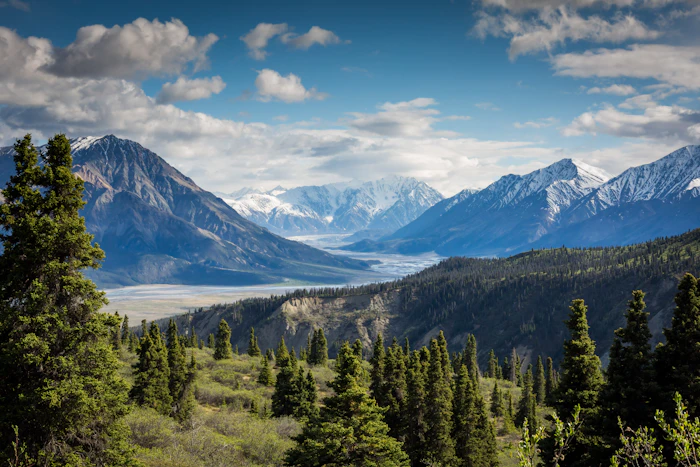
The first five pictures are frames from the video at the top. The same tools work for every occasion below.

Sort hundreds of photos by date taken, pick a travel theme and cut slide changes to the beat of your song.

Gentle themes such as Candlelight and Nostalgia, captions in your own language and a recorded voice-over.
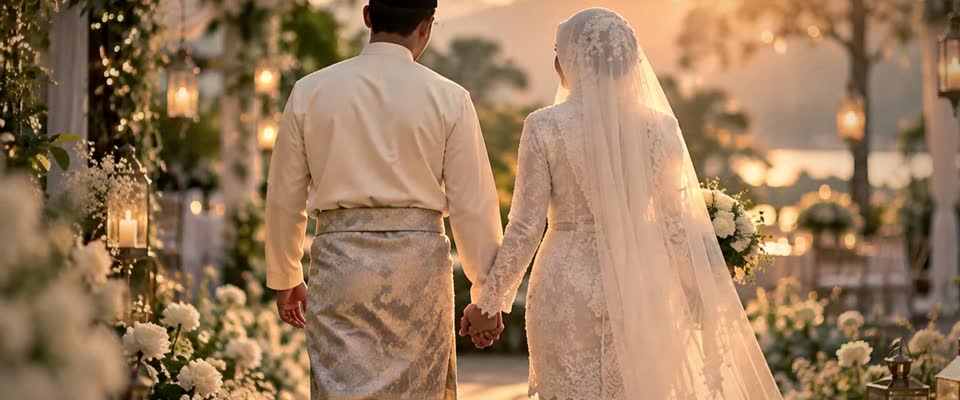
Wedding themes, animated titles for names and dates, and 4K export for the big screen with Pro.

Birthdays, open houses and launches. Play the show live on a second screen with the Output Window in Pro.
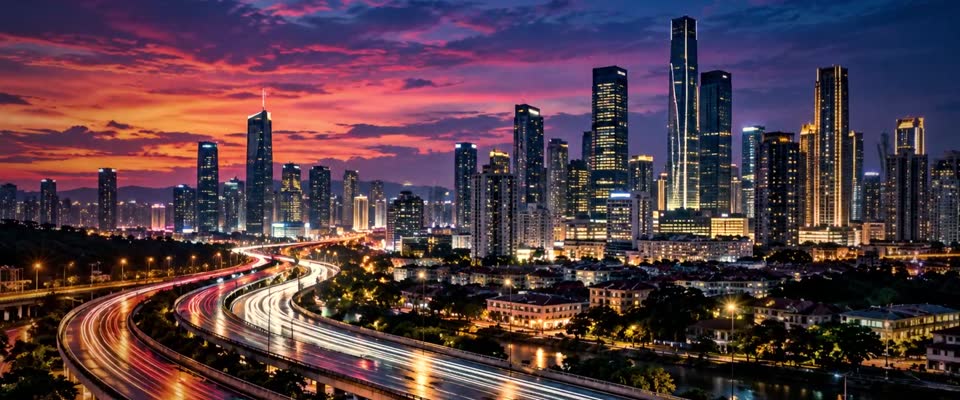
Brand kits, lower thirds, end cards and call-to-action templates. Export for YouTube, Reels, square or 4:5.

Turn class photos into a graduation montage. Collage layouts fit several portraits on one slide, and a name lower third introduces each student.
You bring the memories.
Vayessa brings a new way to see them.
Add your photographs and arrange them in the order that feels right. Build a journey, revisit a day, or simply follow a feeling.
Choose a theme, add music, and shape the motion. Finish with colour, grain, or cinematic letterboxing to make the mood your own.
Preview the details, make the final touches, then export a video to share with the people who will feel it most.
Vayessa is a desktop app for making cinematic photo slideshows, available for Mac and Windows. Combine your photographs with motion, transitions, music, titles, and finishing looks, then export your story as a video.
Yes. The Free plan has no time limit and needs no credit card or license key. You can make full slideshows with photos, video clips, music, beat sync and voice-over, and export them up to 1080p. Free exports carry a small VAYESSA mark and a short end card. Upgrade to Pro for 4K, no mark and motion templates, or to Studio for AI control, whenever you are ready.
Yes. Add an audio file and choose whether slide changes follow the beat or fit the length of your song. You can also add additional audio, such as a recorded voice-over. Use music you have permission to share.
Start with a theme and refine individual photographs with custom movement, framing, captions, and transitions. Animated text and layers give you more room to express the story.
Yes. It was made in Vayessa from nine sample photos with the Letterbox Cinema theme and exported at 1080p. Nothing was edited afterwards. The page plays it with the sound off.
One license key works on two computers (Mac or Windows).One license key works on two computers (Mac or Windows). Pay monthly, yearly, or once for life.
Photos, video clips, timeline, collage, beat sync and voice recording. Export up to 1080p, with a small VAYESSA mark and a short end card.
RM0no card, no license key4K, HEVC and ProRes export without the VAYESSA mark or end card. Motion templates, brand kits and the Output Window.
Everything in Pro, plus AI control from Claude, ChatGPT, Gemini and Codex, and ElevenLabs voice-over.
A new way to bring your favourite moments together.